Download & Install the DMFirst APK
The official DMFirst Android app is lightweight and installs directly from the DMFirst website. Follow these steps for a safe installation.
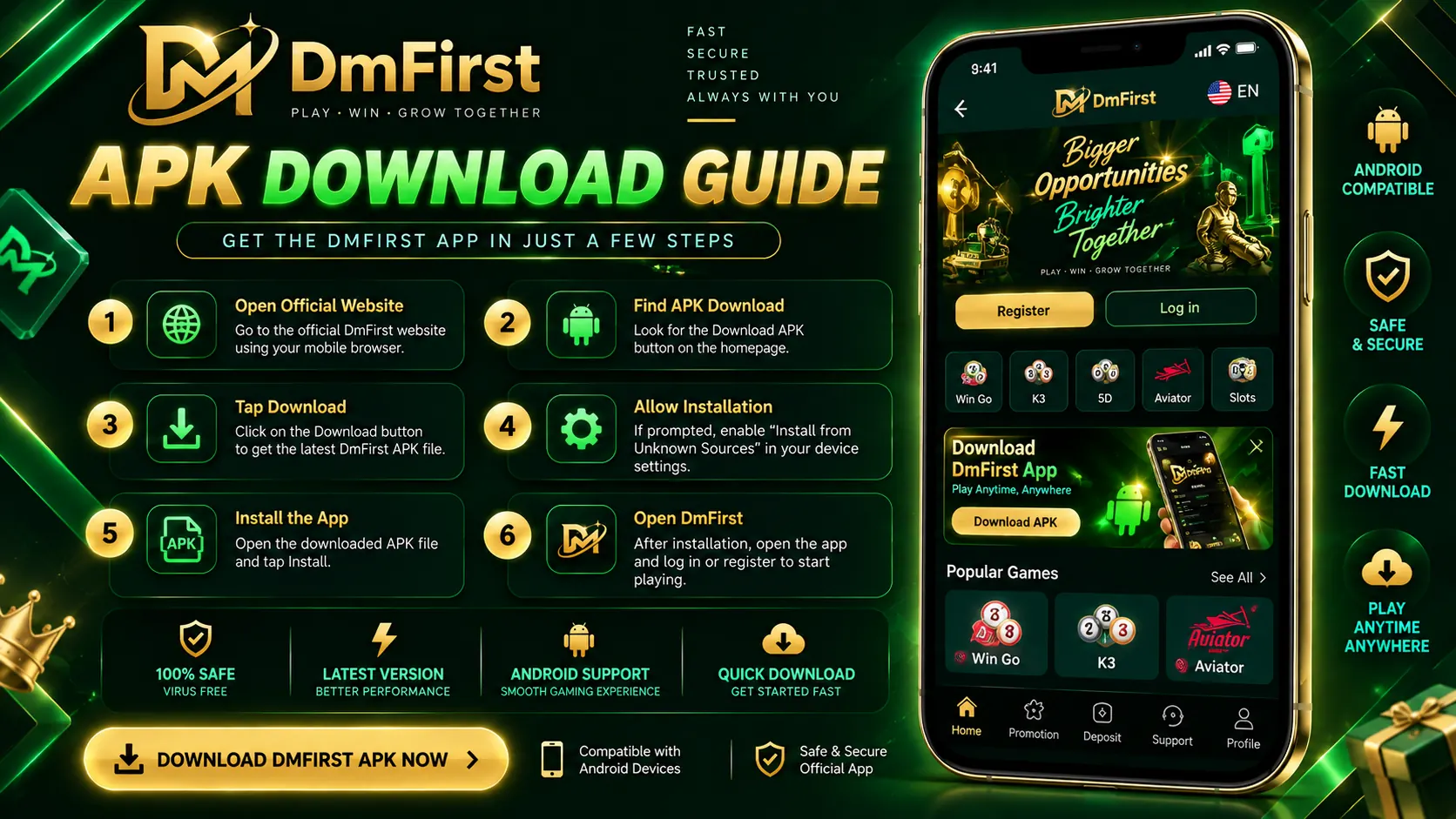
Where to get the DMFirst APK
Only download the DMFirst APK from the official dmfirst.space website. Third-party download sites may host outdated or modified files.
Download DMFirst APK →The download button above links to the official homepage where the current APK download option is configured.
Step-by-step installation guide
- Open the official DMFirst website in your Android browser.
- Tap the Download APK button.
- Once downloaded, open the file from your notifications or Downloads folder.
- If prompted, enable "Install unknown apps" for your browser.
- Tap Install and wait for it to finish.
- Open the app and log in with your existing DMFirst account, or register a new one.
Android permissions explained
Android will ask permission to install from your browser as a one-time security setting. Review any additional in-app permission requests before accepting, and be cautious of any APK that asks for unnecessary permissions such as reading SMS or contacts.
Verify your download source
- Check that the URL is exactly dmfirst.space before tapping download.
- Avoid APK files shared through unknown Telegram groups or forums.
- Re-download from the official site if you are ever unsure about a file's origin.
Installation troubleshooting
"App not installed" error
This usually means an older or conflicting version exists. Uninstall any previous DMFirst APK, then reinstall the latest file.
Download blocked by browser
Some browsers block APK downloads by default. Allow the download when prompted, or try a different browser.
Not enough storage
Free up space on your device — the DMFirst APK is designed to be lightweight.
Is there an iOS version?
DMFirst works through the Safari browser on iPhone and iPad. Check the official website for the most current iOS option — the APK described here is built for Android.
How do I download the DMFirst APK?
Visit the official DMFirst website, tap the Download APK button, and save the file to your Android device.
How do I install the DMFirst APK?
Open the downloaded file, allow installation from unknown sources when prompted, and tap Install.
Is the DMFirst APK safe?
Only download the APK from the official dmfirst.space website. Avoid third-party links or modified APK files.
Is there a DMFirst app for iPhone?
DMFirst is accessible through the Safari browser on iPhone and iPad. Check the official website for the current iOS option, as the APK is built for Android.